

Everything you need
Scan
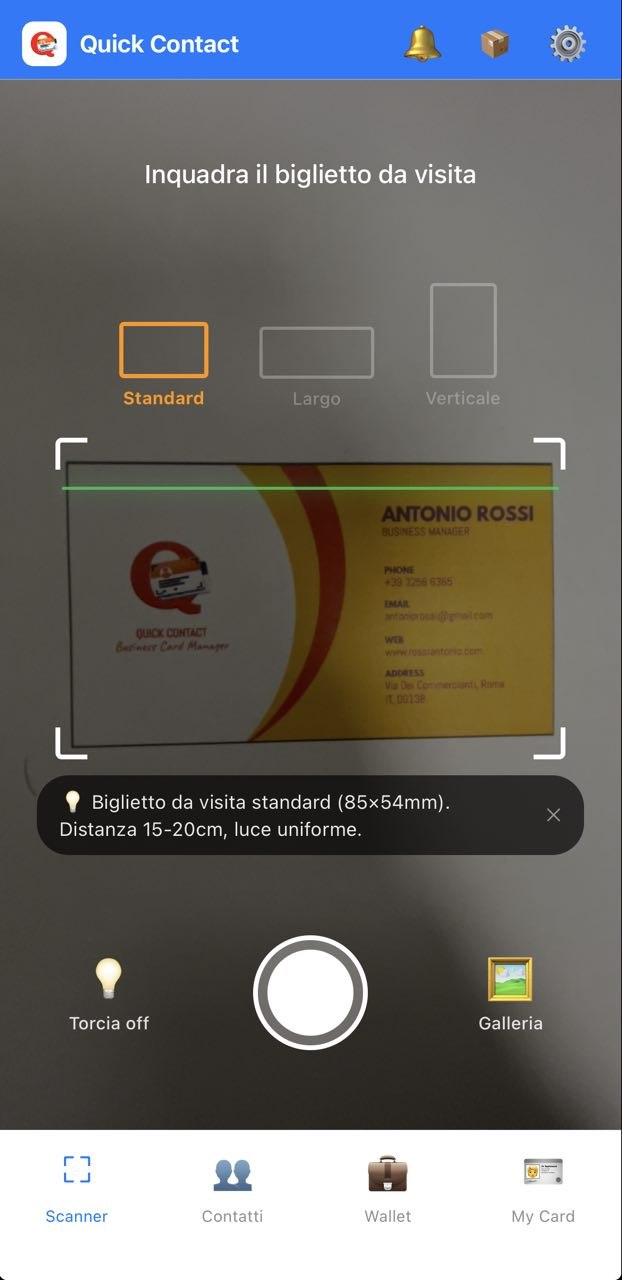
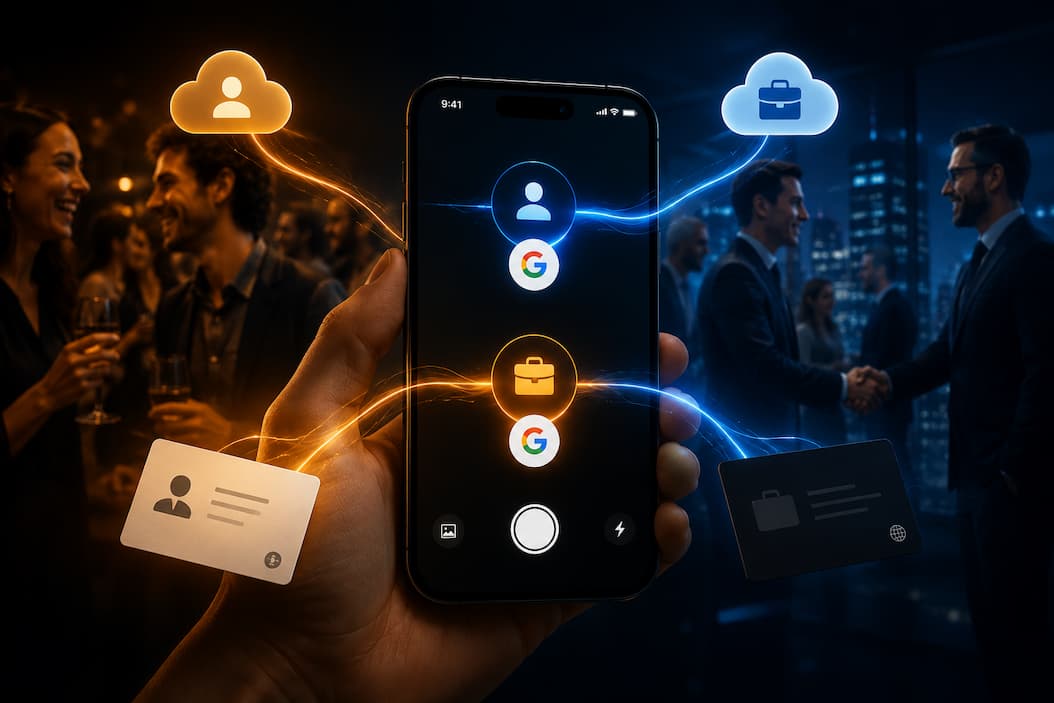
Point the camera at the card or pick it from your gallery. Text recognition is automatic.
Review
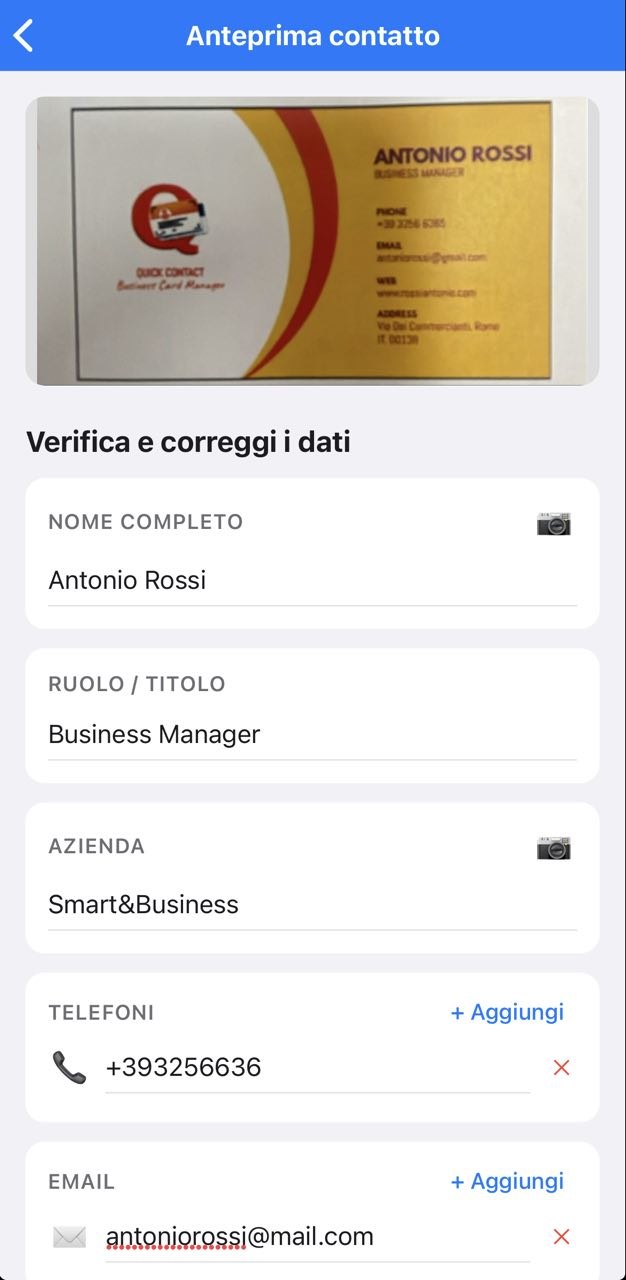
Check and correct the extracted data before saving. Everything editable with one tap.
Sync
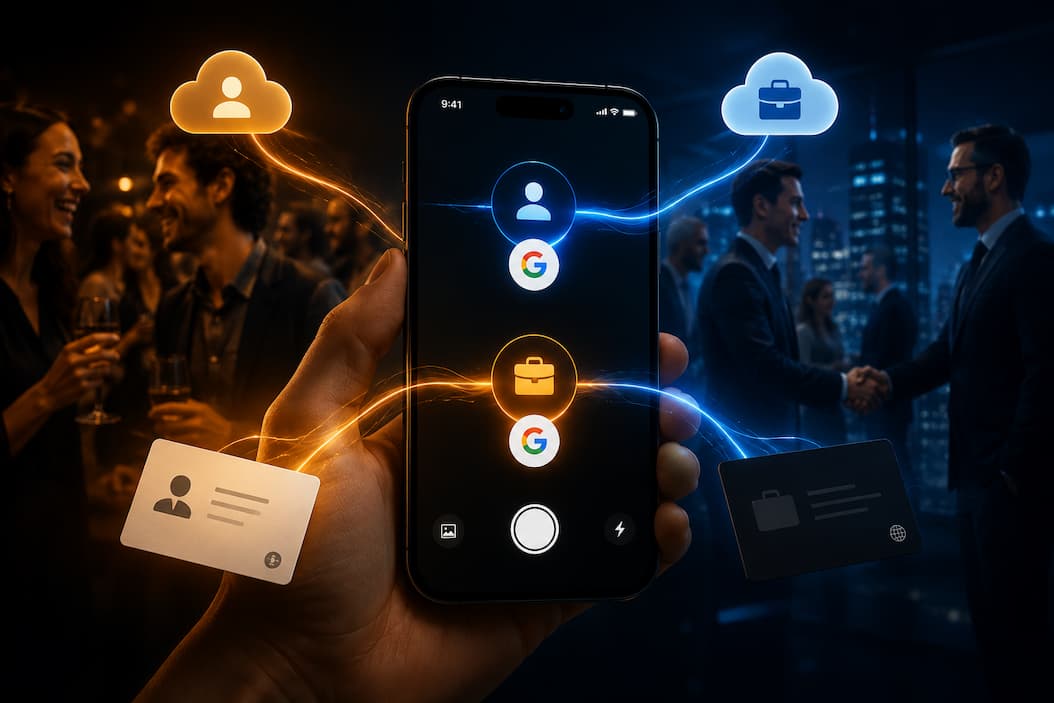
Contacts are saved directly to Google Contacts and available on all your devices.
Share
Generate your personal QR code and share your details as a digital business card.
Export & Encrypted Backup
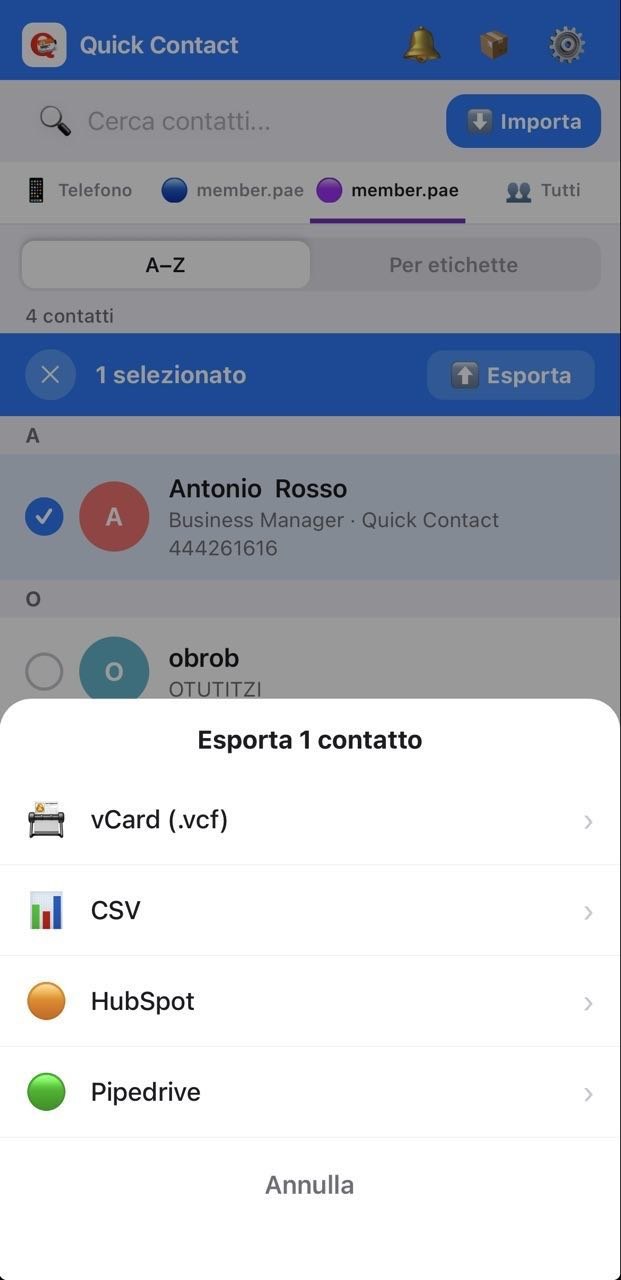
Export to vCard, CSV, HubSpot or Pipedrive. Full backup in .qcb format with AES-256 encryption and personal PIN.
Labels & Lists
Organize contacts into custom lists and groups directly in Google Contacts.
Smart Alerts
Get notified before your subscription expires with personalized upgrade suggestions.
Multilingual
The app speaks your language. Italian, English and Spanish — switchable in settings.
Referral
Invite a friend with your code. They get 5 free saves. You earn bonus credits.
Slack Sharing
Share scanned contacts directly on Slack: DM colleagues, post to team channels or send weekly digests with scheduled follow-ups.
Excel Export
Export your full address book to Excel (.xlsx) for CRM analysis, team reporting or easy sharing — one tap.
Virtual Business Card
Create your own digital business card with name, company and socials. Share it as a QR code or vCard in seconds.
Tired of typing?
When you are on the go or hands full, create tasks and contacts with your voice. Quick dictation for tasks, deadlines and reminders.
Never know what is on your agenda?
Turn your tasks into an A4 planner: daily, weekly or monthly. Export to Excel, PDF or print. Filter by priority.
Dont know how to break the ice?
As soon as you meet someone, the AI biography shows you interests and skills. Find common topics and turn the exchange into a valuable conversation.
Six more reasons it's different
Read the FAQ →Keep the original card photo, always
The Wallet stores the photo of every card alongside the extracted data. Search by name, company or tag. No more loose paper.Your contacts never touch our servers
Direct OAuth 2.0 with Google. No intermediary database, no extra account to create. Your data stays yours, full stop.Unbreakable backup: AES-256 encrypted with PIN
Export your full address book into a PIN-protected .qcb file. Switch phones or reinstall the app? Restore everything in 30 seconds.From card to pipeline: native Slack integration
Share a contact on Slack right after scanning: DM the account owner, post to a team channel, send a weekly digest. Leads never fall through the cracks.Tasks and contacts without typing
In a meeting, in the car or just in a hurry? Voice dictation to create tasks, deadlines and contacts. AI automatically recognizes names and dates, you focus on what matters.Your planner always at hand
Export your daily, weekly or monthly planner in A4 format (Excel, PDF or print). Filter by project, team or priority and take only the tasks that matter.How we use your Google data
Read contacts
We read your Google Contacts only to display them inside the app. No data is copied or stored on our servers.Write contacts
We write to Google Contacts only when you explicitly tap "Save" after scanning a card.Delete contacts
Deletion happens only on your explicit request from within the app.No sharing
Your Google data is never shared with third parties, sold or used for advertising. Our Cloudflare Worker acts only as a secure OAuth relay and stores nothing.OAuth scopes requested
contacts.readonly — to display your existing Google Contacts in the app. Contacts — to save, update or delete contacts only on your explicit action.No server storage
We never store your Google Contacts data on our servers. OAuth tokens live only on your device and are deleted when you disconnect your account.Download Quick Contact
Free on App Store and Google Play. Upgrade whenever you want.